Private, on-device interview transcription

On the record. Off the server.

Kayit transcribes your interviews locally on your Mac, with speaker identification and quote management built in — so your audio, and the transcription, never touch a server.

Why local matters ↓
Mac with Apple chip (M1 or later)
No account required
Free trial
source-interview-04.m4a ● On device
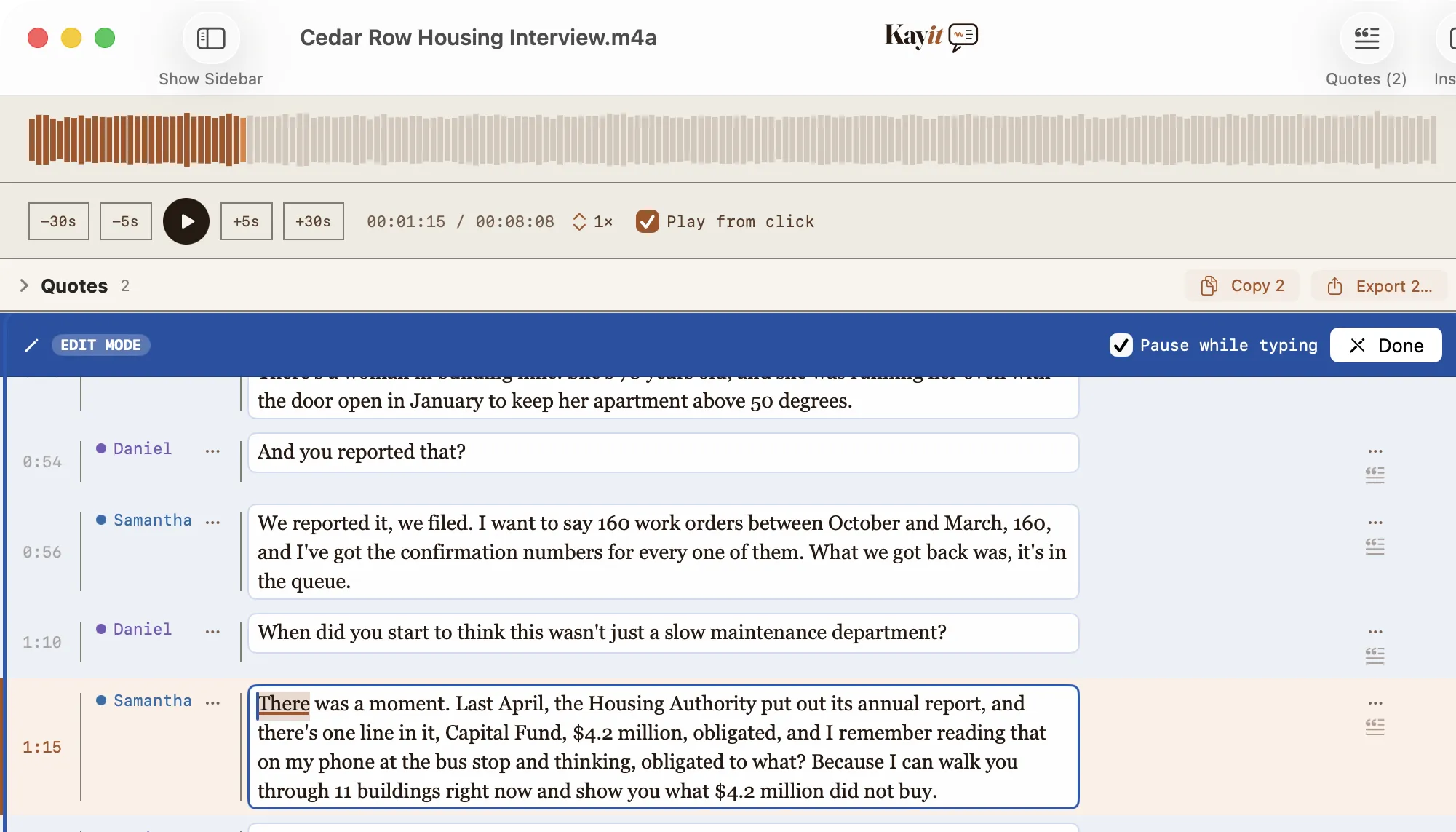
00:00:08Reporter When did you first become aware of the situation?
00:00:17Maria Chen Back in March, long before anyone was talking about it. I tried to report it then but was told to wait.
00:00:41Reporter Do you have documentation?
0:41 / 3:12
Insights on device
Summary
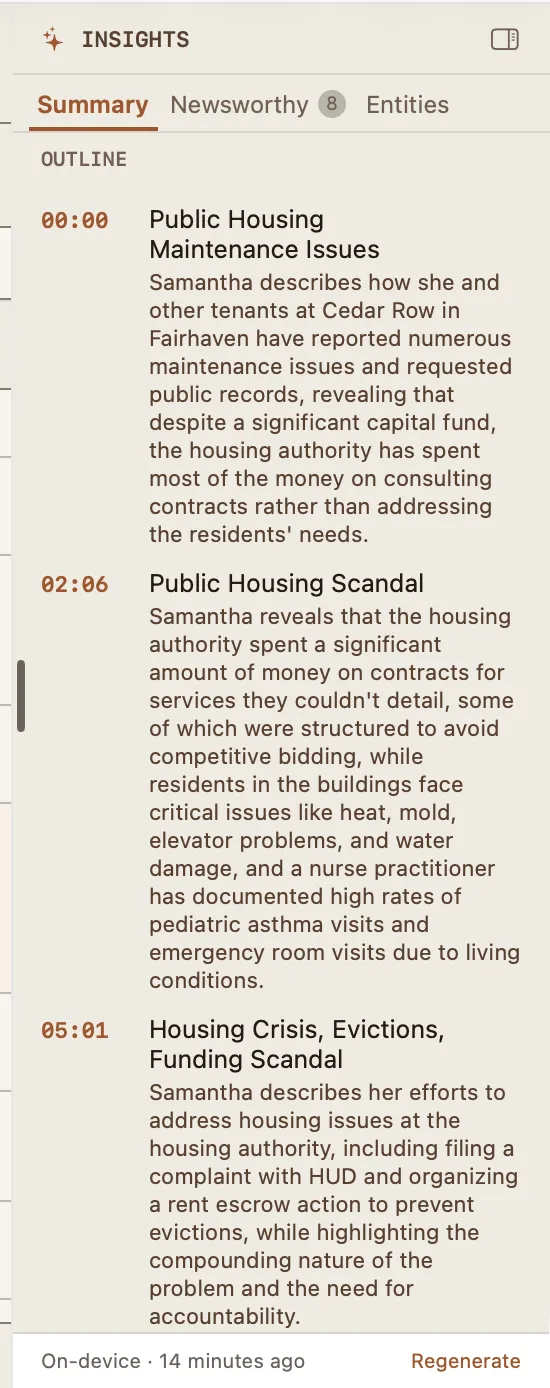
Source first flagged the issue in March but was told to wait before anyone acted on it.
Outline
00:17 The March warning
00:41 Documentation & records
Entities
People
Maria Chen4 Tom Reyes3 Councilman Ortiz2
Organizations
City Council3 Public Works2 Budget Office2
Places
City Hall3 Riverside District2 Fifth Ward
Dates
March 20252 January 12 April 3
Key Terms
budget5 documentation4 inspection3 shortfall3 permit2
Where your audio goes
Descript, Otter.ai, Whisper API, Rev, Trint — all upload your audio to the cloud
Kayit — stays on your Mac
01

Stays on your machine

Runs entirely on Apple devices using on-device machine learning. Your audio never touches a server or a third-party API.

02

Knows who's speaking

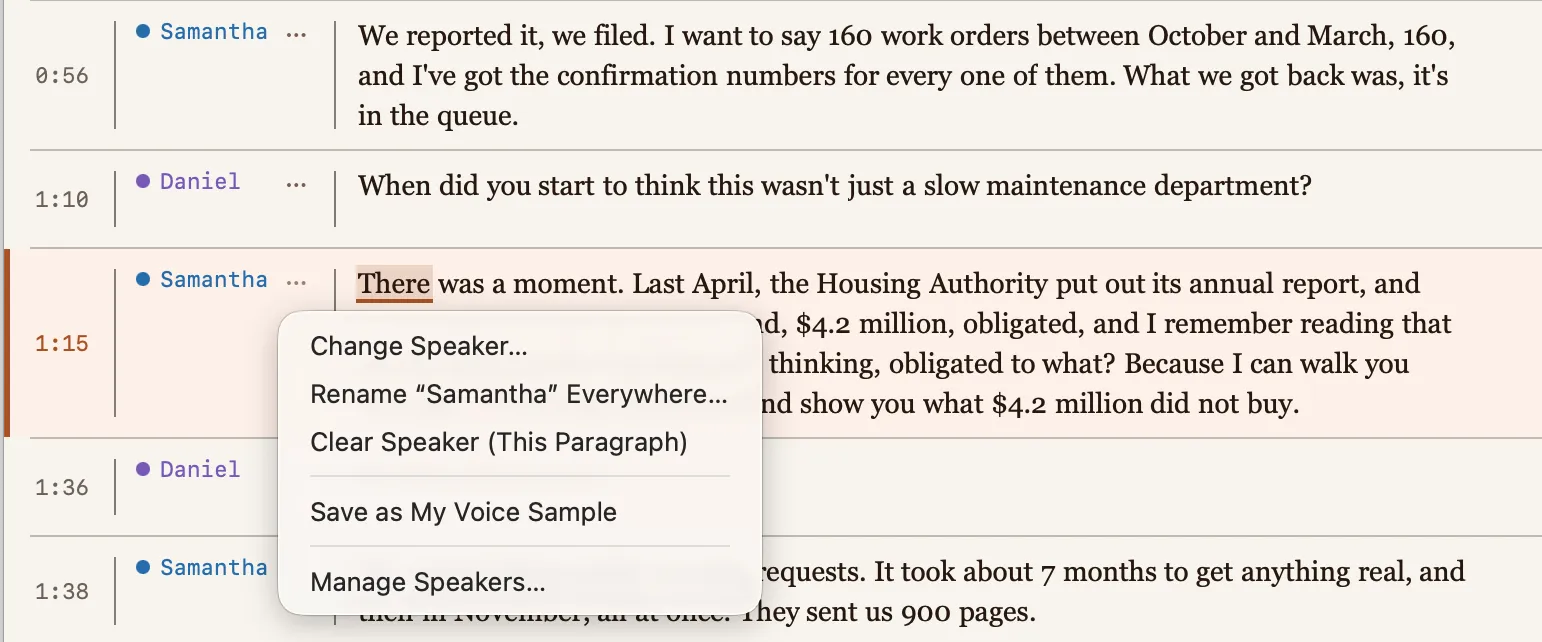
Automatic speaker identification separates voices without cloud diarization. Rename speakers in your notes after the fact.

03

Insights, computed on-device

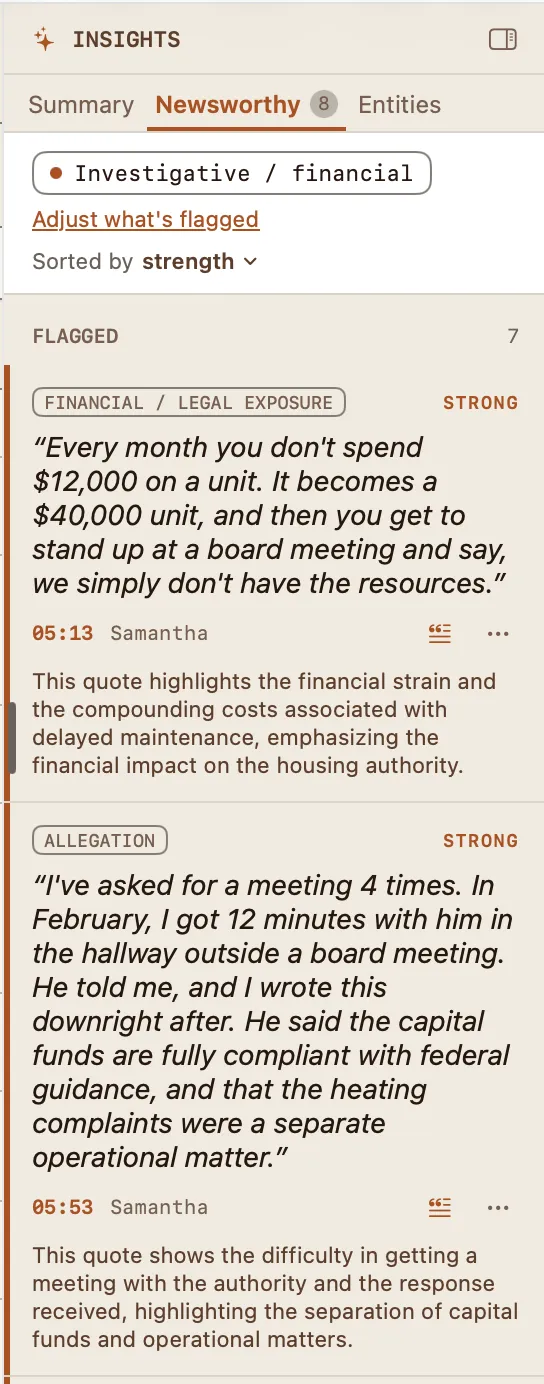
An optional on-device AI gives you a plain-language summary, a click-through timestamped outline, and suggested pull-quotes — plus the people, organizations, and places mentioned. It all runs on your Mac, and switches off per interview or across your whole newsroom if you have an anti AI policy.

04

Built for your workflow

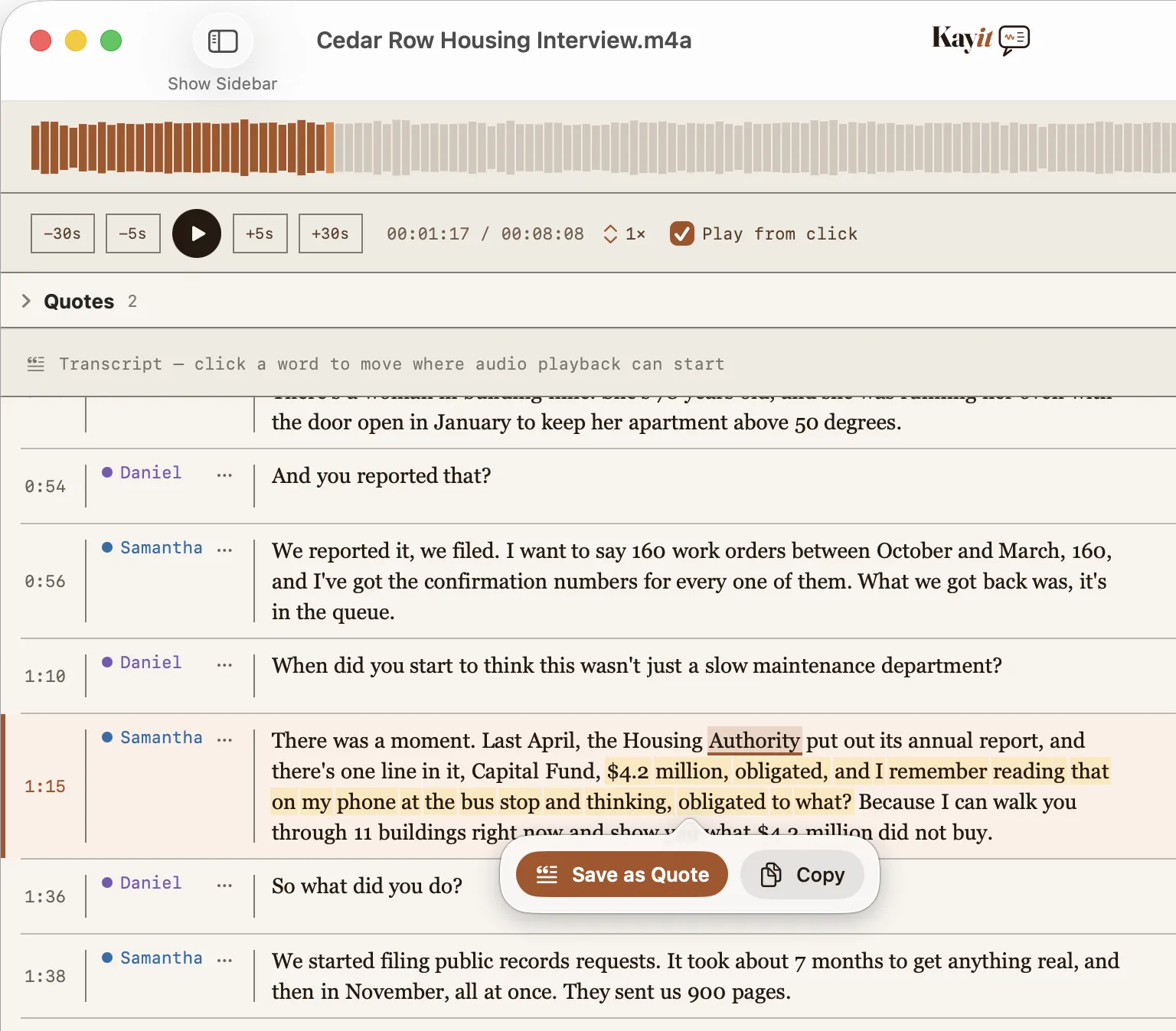
Audio and text stay in sync — click any word to jump to that moment, or save any passage as a quote. Export to Markdown, plain text, quotes, or audio clips, plus an open .transcript.json sidecar that drops straight into Obsidian. Your files, no lock-in.

For journalists

Your sources trust you.
Kayit is built so you can keep that trust.

When a confidential source speaks on the record, that audio is the most sensitive file you hold. Cloud transcription services upload it to servers you don't control, subject to breaches, subpoenas, and terms that can change overnight. Kayit never uploads anything. Transcription, speaker separation, and quote extraction all happen on your Mac — so the recording, the transcript, and your notes stay exactly where you put them.

Initially built for journalists, but is perfect for anyone bound to keep a conversation private. If your IT or security team blocked cloud transcription, Kayit is what they could approve.

  • Lawyers privilege
  • Researchers consent & IRB
  • Clinicians patient confidentiality
  • Investigators sensitive casework
Questions? Read the FAQ ↓
  • No account needed. Nothing to sign into and no personal data to hand over.
  • Works offline. After a one-time model download, disconnect the Wi-Fi and it still runs.
  • You own the files. Export transcripts, quotes, and audio clips as Markdown, plain text, or an open .transcript.json sidecar that drops straight into an Obsidian vault — no lock-in.
  • Cloud-folder warnings. Kayit warns you before saving or exporting interviews into iCloud, Dropbox, or other syncing folders.

Pricing

One simple plan. Everything on your Mac.

Start with a free trial — no account, no per-minute fees, and no upload limits. Cloud tools meter your minutes and cap your uploads; Kayit doesn't, because your audio never leaves your machine.

Monthly
$9.99/ month
Billed monthly. Cancel anytime.
Free trial at launch · then $9.99/mo or $99/yr · macOS 15+ · Mac (M1 or later)

Rolling it out across a newsroom, firm, or research team? Ask about volume licensing →